Your marketing campaigns stall because tasks get lost between Slack, email, and three other apps. Leads sit untouched for hours while approvals wait in someone's inbox. That friction is usually what pushes teams to look for workflow automation.
This article breaks down what actually matters in multi step workflow automation software: triggers, conditional logic, integrations, pricing, and adoption. You will get a clear comparison of six tools, including Tasks.Bot, plus a framework for matching workflow complexity to your team's real needs.
What to Look For in Multi Step Workflow Automation Software for Marketing Teams
When evaluating multi step workflow automation software, marketing teams must prioritize the ability to design, execute, and measure complex campaigns without writing code. The right platform should fit how your team already works, not force a rebuild of established processes.
Start by mapping your current campaigns. A tool that handles simple drip campaigns may struggle once you add lead scoring, segmentation, and multi-channel branching. Look for a platform that can grow from a single nurture sequence to full workflow orchestration across the customer journey.
Integration with your existing marketing stack matters just as much as features. A CRM integration that requires manual syncing or custom development slows marketing operations and creates data gaps between sales and marketing.
Three criteria separate tools that work long term from those that create friction:
- Feature depth for triggers, conditional logic, and connections to your other systems
- Pricing and usability, including how quickly non-technical teammates can build and edit workflows
- Adoption factors such as training, support, and mobile access for approvals on the go
The sections below break down each criterion so you can compare options against your team's real needs, not just a feature checklist.
Key Features: Triggers, Conditional Logic, and Integrations
The core of any multi step workflow automation platform lies in its ability to initiate workflows via diverse triggers, apply conditional logic to branch paths, and integrate seamlessly with other tools. Without all three, campaigns stall or require manual workarounds.
Triggers are the starting point. Common examples include form submissions, email opens or clicks, CRM updates, cart activity, and lifecycle stage changes. A platform with limited trigger options forces teams to batch tasks manually, which defeats the purpose of trigger based automation.
Conditional logic turns a linear sequence into a branching workflow. If a lead opens three emails but never clicks, route them to a re-engagement path. If a prospect's lead score crosses a threshold, push them to sales. This kind of if/then branching is what makes personalization and lead nurturing at scale possible.
Integrations determine how far a workflow can reach. Look for:
- Native connectors to platforms like HubSpot, Marketo, ActiveCampaign, Klaviyo, Pardot, Salesforce, and Mailchimp
- API integration for custom or legacy systems
- Webhook support to push and pull data in real time
- Zapier, Make, or n8n connections when a native option does not exist
For lead scoring, segmentation, and personalization, these features work together. A CRM update can trigger a score recalculation, which branches the workflow into a tailored email sequence. Teams should confirm that each connector supports the specific fields and events their campaigns depend on, since integration depth varies widely between tools.
Pricing, Ease of Use, and Team Adoption Factors
Beyond features, marketing teams must weigh pricing models, the learning curve, and how easily the tool will be adopted by both technical and non-technical members. A powerful platform that nobody uses delivers no value.
Pricing structures vary in ways that matter at scale. Some tools charge per user, others per contact or subscriber, and many use tiered plans that gate conditional logic, integrations, or reporting behind higher levels. A per-contact model can become expensive as your list grows, while per-user pricing penalizes larger teams. Compare costs at your projected volume, not just at today's list size.
Ease of use often comes down to the builder. A visual workflow builder with a drag and drop editor lets marketers map branching workflows without engineering help. No code automation shortens the path from idea to live campaign and reduces dependence on technical resources.
Adoption depends on more than the interface. Consider these factors during a trial:
- How much training is required before a teammate can publish a workflow
- Whether support responds quickly and understands marketing use cases
- If mobile accessibility allows approvals and monitoring away from a desk
- How templates and documentation speed up the first few campaigns
During a trial, build one real campaign end to end rather than clicking through demos. Invite a non-technical teammate to attempt the same task. If they need constant guidance, the learning curve may slow your entire marketing operations team after purchase.
1. Tasks.Bot - Best Overall
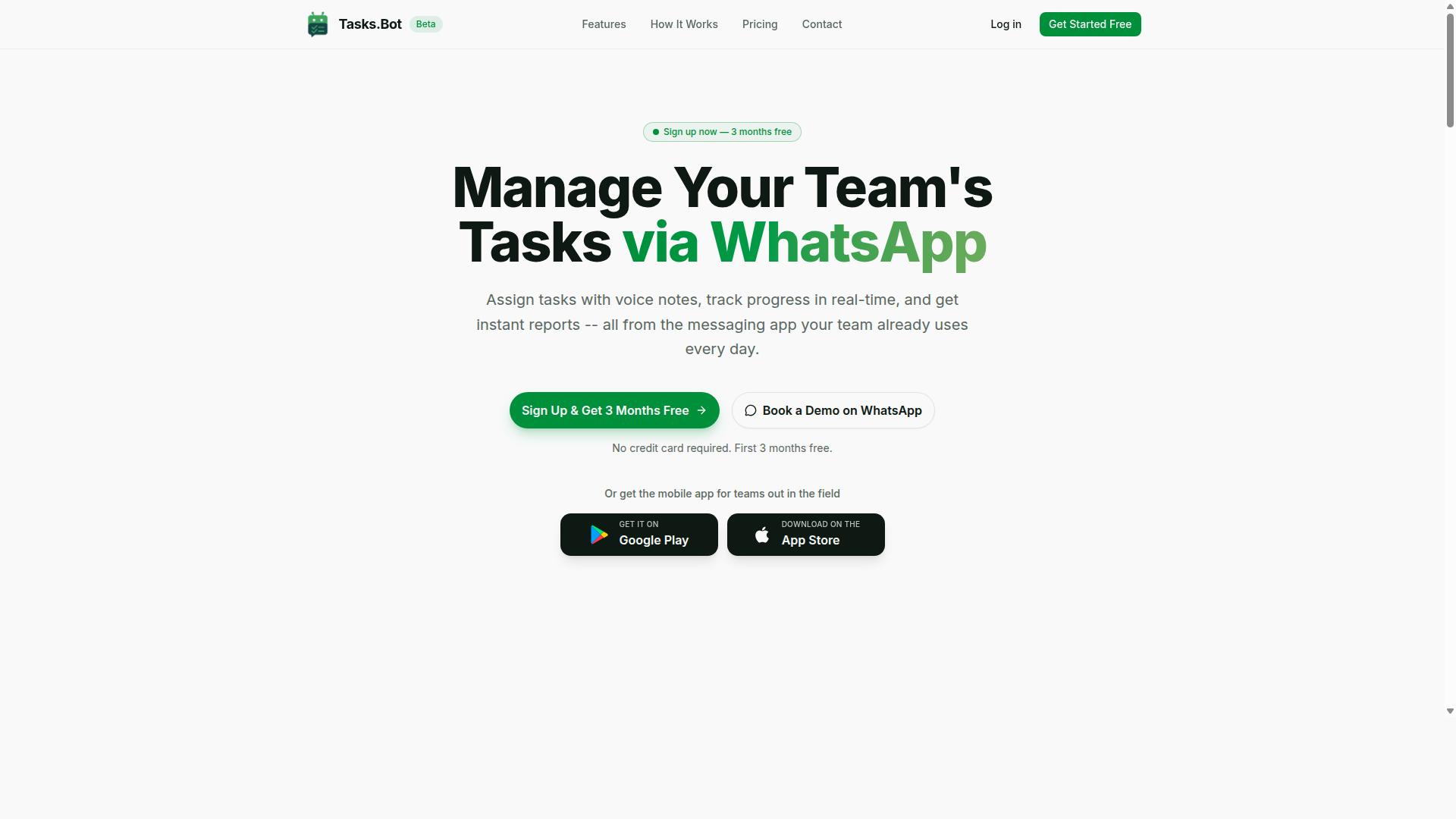
Tasks.Bot stands out as the best overall multi step workflow automation solution for marketing teams that rely on WhatsApp for communication. Instead of asking teams to adopt yet another dashboard, it turns the messaging app they already open dozens of times a day into the place where work gets assigned, tracked, and reported.
That approach matters for marketing operations, where coordination often breaks down not because people lack tools, but because those tools live somewhere nobody checks. A campaign brief that arrives as a WhatsApp message tends to get a faster response than one buried in a project management board.
Tasks.Bot covers the core workflow needs of a marketing team in one place. It handles task assignment, progress tracking, and reporting without requiring a separate platform for each function.
- Voice note task creation and automatic task assignment
- Smart deadline reminders and approvals
- Instant reports, tasks on a map, and a live day tracker
- Face-verified attendance plus shifts, leave, and hours management
- Native WhatsApp integration with Android and iOS apps
The sections below break down how the WhatsApp-native model works in practice and what the Full Access plan costs.
WhatsApp-Native Workflow Automation for Marketing Teams
Tasks.Bot leverages WhatsApp as its primary interface, allowing marketing teams to automate workflows without leaving the app they already use daily. The service uses AI to understand user intent and create tasks from messages, so a manager can send a voice note and have it turn into an assigned, tracked task.
For campaign management, that means a launch checklist can be distributed, acknowledged, and monitored inside a single thread. Approvals happen in the same conversation rather than through a separate review tool, which shortens the gap between a creative draft and a sign-off.
Lead nurturing and follow-up work benefit from the same structure. Smart deadline reminders keep outreach from stalling, while instant reports give a quick read on what has been completed and what is still open.
One practical advantage is adoption. Team members do not need to install anything or create new accounts to participate, which removes the onboarding friction that typically slows down a new marketing automation rollout. The Android and iOS apps add push notifications, voice capture, and a home screen widget for people who want faster access.
For teams with field staff, such as regional promoters or event crews, the mobile app supports face-verified attendance along with tasks on a map, a live day tracker, and shifts, leave, and hours management. A distributed marketing team can therefore coordinate campaign execution and workforce logistics through one channel instead of stitching together several apps.
Pricing and Free Trial
Tasks.Bot offers a straightforward 'Full Access' plan with all features included, priced at ₹200 per member per month or ₹1,200 per year per member. The annual option saves 50%, which works out to ₹1,200 per year per member compared with paying monthly.
Pricing is available in Indian Rupees and US Dollars, and the site includes a currency selector for the two options. Because the display currency can vary, it is worth confirming the figure shown at the time of purchase.
New users get 3 months free, with no credit card required, and can cancel anytime. The brand also states a refund policy for the service.
On trials, the standard free period is not advertised as a separate trial tier. The 3 months free offer effectively serves that purpose, giving a team room to test voice note task creation, approvals, and reporting against real campaign work before committing to a paid plan.
The fastest way to evaluate fit is to book a demo on WhatsApp, where the workflow can be seen in the same environment the team would actually use it. That is a more useful test than a static feature list, since the value of a WhatsApp-native tool depends on how well it matches existing communication habits.
2. Reminderly.ai
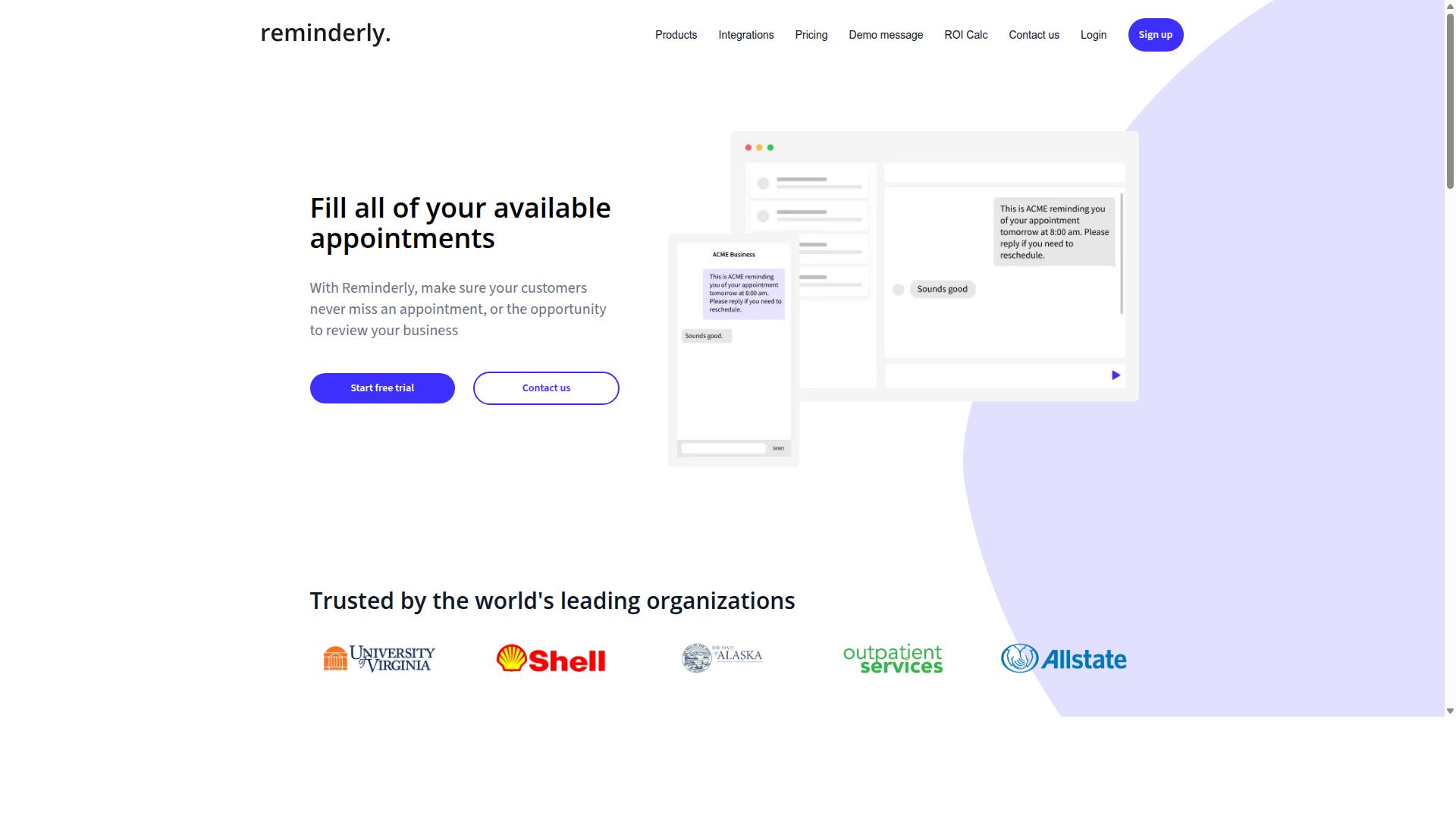
Reminderly.ai is a workflow automation tool that focuses on reminder-based tasks and may appeal to marketing teams needing simple, recurring workflows. Instead of building elaborate branching journeys, it typically centers on making sure the right person gets nudged at the right time.
For a small marketing team, that narrow focus can be a strength. Not every process needs a full visual workflow builder with dozens of conditional paths. Sometimes a campaign just needs a reliable reminder to publish a post, follow up with a lead, or refresh a landing page before a launch.
Based on publicly available information, the platform is best understood as an entry point into task automation rather than a full marketing automation suite. Teams with basic needs may find it easier to adopt than heavier platforms that require weeks of setup.
Typical features in this category of tool may include:
- Scheduled reminders for recurring marketing tasks
- Simple task assignment and due date tracking
- Basic trigger based automation for routine follow-ups
- Calendar or timeline views for campaign planning
- Light API integration or webhook support for connecting other apps
Where reminder-centric tools tend to fall short is in deeper workflow orchestration. Marketing teams running multi step lead nurturing, lead scoring, or segmented drip campaigns usually need conditional logic, branching workflows, and CRM integration that goes beyond sending a notification.
That does not make Reminderly.ai a poor choice. It makes it a specific one. If your process automation needs are mostly about consistency, such as remembering to send a weekly newsletter or check in on a stalled deal, a reminder-first tool can cover that without the overhead of a larger automation platform.
Marketing operations teams should ask a few practical questions before committing. Does the tool connect to the systems you already use, such as your CRM or email marketing platform? Can it handle a customer journey with more than one step, or does it stop at a single reminder? And will it still fit once your campaign management grows more complex?
If the answers point toward simple, recurring work, Reminderly.ai may be worth a look. If your roadmap includes multi step workflow automation across the full sales funnel, a more capable platform will likely serve you better over time.
3. TaskRio
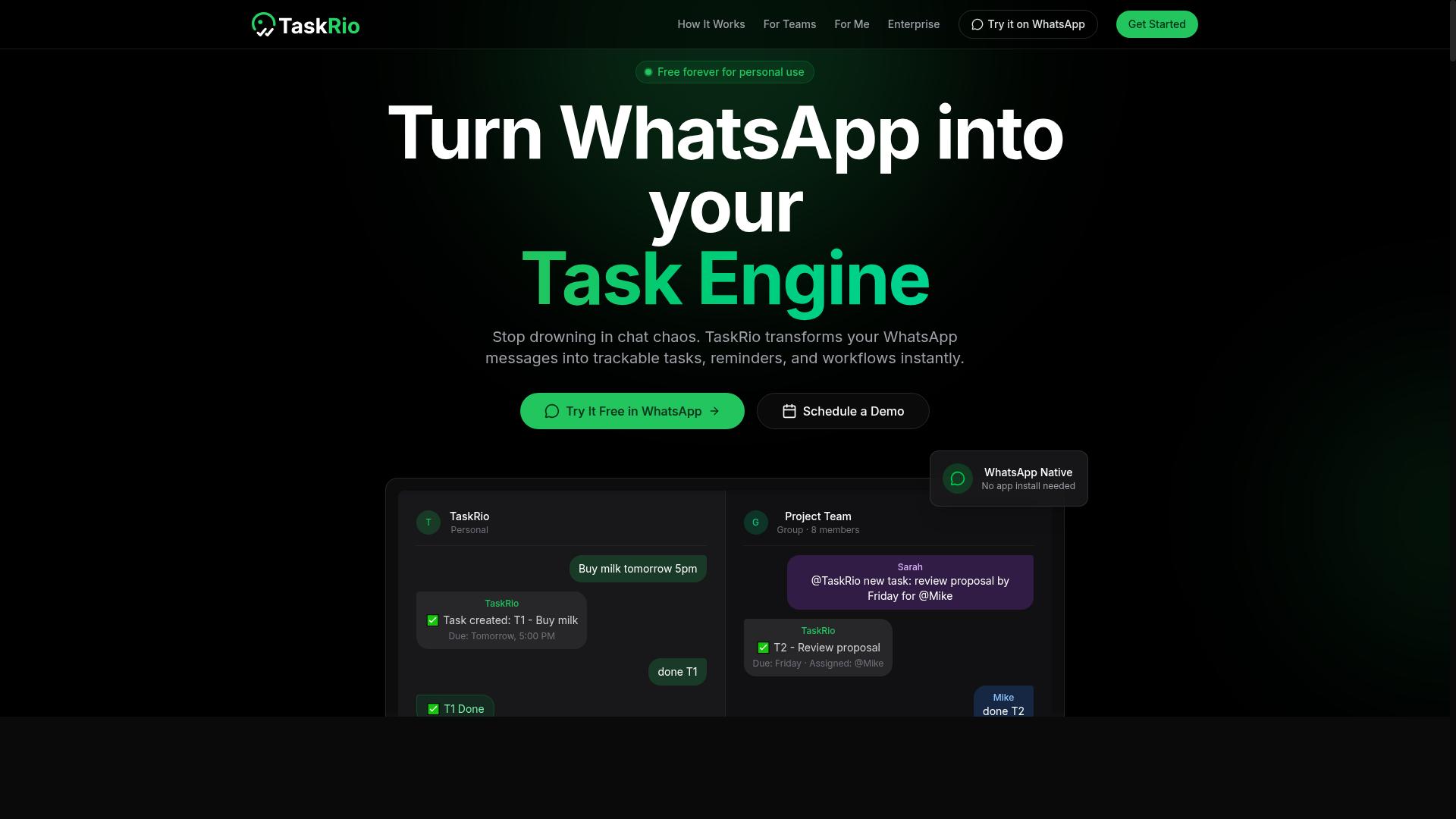
TaskRio is another contender in the workflow automation space, often highlighted for its task management and collaboration features. Marketing teams that juggle many small, interdependent tasks may find this kind of tool worth a closer look.
Based on publicly available information, TaskRio appears to focus on helping teams organize work rather than on deep campaign execution. That distinction matters when you are comparing multi step workflow automation options for a busy marketing department.
Tools in this category typically emphasize keeping projects, owners, and deadlines visible in one place. For marketing operations, that can mean clearer handoffs between content, design, and demand generation work.
If your team's biggest pain point is scattered tasks rather than complex campaign management, a task-first tool like TaskRio may be a reasonable fit. If you need branching workflows and trigger based automation across channels, look carefully at how far the platform extends.
When evaluating TaskRio or similar platforms, ask a few practical questions:
- Does it offer a visual workflow builder or drag and drop editor for mapping steps?
- Can it connect to your existing stack through API integration, webhooks, or tools like Zapier and Make?
- How well does it support team collaboration, comments, and task assignment?
- Does it handle conditional logic and branching workflows, or only linear task lists?
- Can it connect to your CRM for lead nurturing and sales funnel visibility?
For teams prioritizing task organization over full campaign orchestration, TaskRio is worth including in a shortlist. Just confirm how it fits your marketing operations before committing.
4. Karo.bot
Karo.bot is a workflow automation platform that may leverage chatbot interfaces to streamline task assignment and follow-ups for marketing teams. Rather than asking users to build complex branching workflows, it appears to position conversational prompts as the primary way to trigger and manage routine marketing work.
That approach may appeal to marketing teams that prefer chat over dashboards. Instead of logging into a separate tool to check status, a user could potentially ask a bot to assign a task, nudge a teammate, or confirm that a follow-up went out.
Details about Karo.bot are limited in publicly available sources, so the points below describe typical capabilities in this category rather than confirmed features. Treat them as questions to ask during a demo or trial.
- Chatbot driven task creation and assignment
- Automated reminders and follow-up nudges
- Possible connections to CRM, email, and project tools
- A conversational setup that may reduce the learning curve
- Simple triggers for recurring marketing routines
For multi step workflow automation, conversational tools usually shine on the human side of the process. A bot can prompt a content owner, confirm a review step, or chase a stalled handoff, while heavier logic such as lead scoring or segmentation may still live in a dedicated marketing automation platform.
Teams weighing Karo.bot should look at how well it connects to the systems already in use. CRM integration and API access matter here, since a chatbot that cannot read from or write to the sales funnel adds another silo instead of removing one.
Ease of use is often the trade-off with tools built around conversation. Setup may be quick, but deep conditional logic and complex branching workflows can feel limited compared to a visual workflow builder with a drag and drop editor.
Karo.bot is worth a look for marketing operations teams curious about conversational interfaces. It may suit lightweight task automation and follow-ups better than full campaign management across the customer journey.
5. The Sarah AI
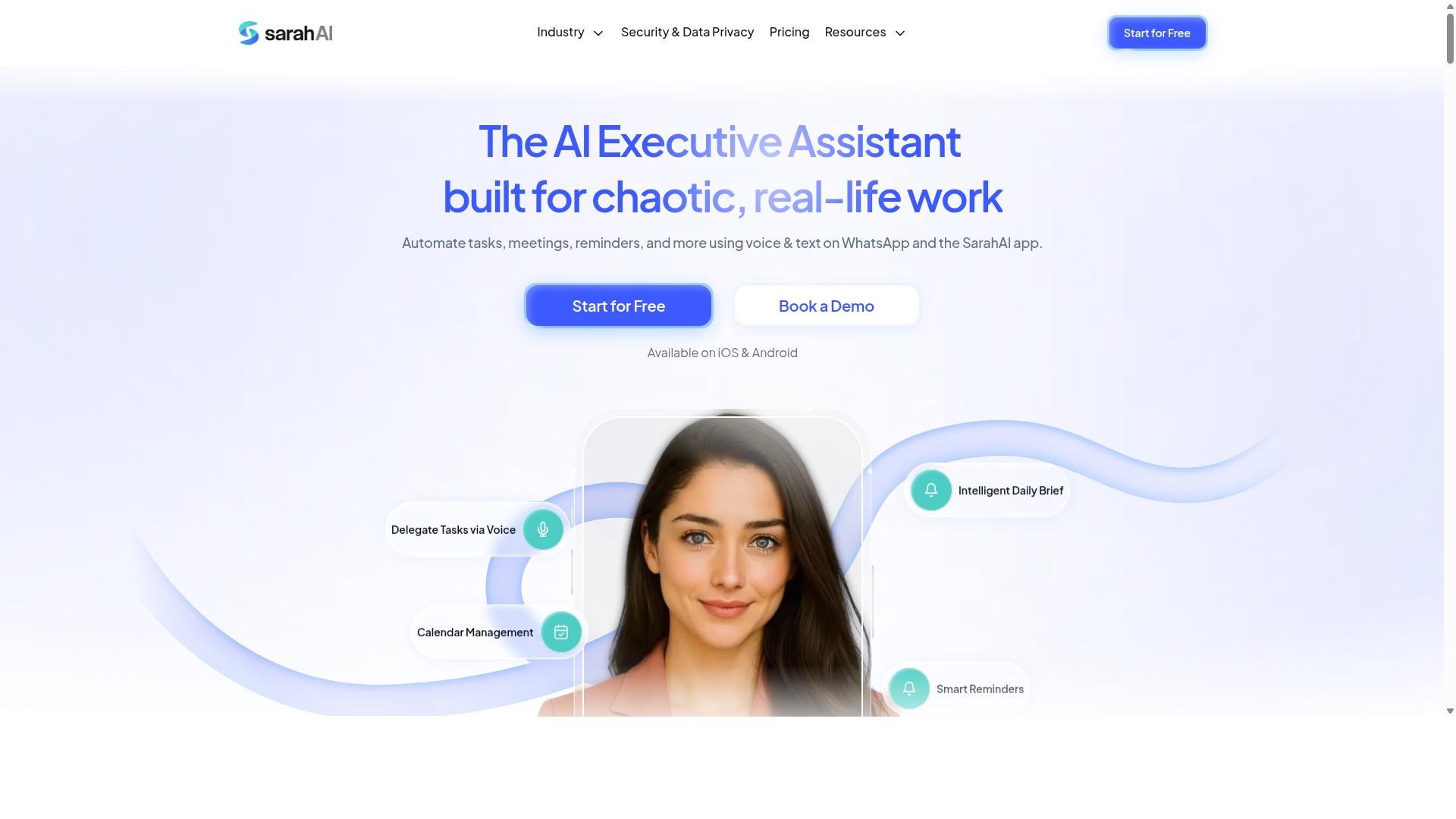
The Sarah AI is an automation tool that incorporates artificial intelligence to assist marketing teams with workflow orchestration and task management. It belongs to a newer category of platforms that layer AI assistance on top of traditional multi step workflow automation, rather than relying only on fixed rules and manual configuration.
For marketing teams, that positioning is worth understanding before you commit to any platform. AI-driven tools aim to reduce the manual work of building and maintaining trigger based automation, which is often where workflow projects stall.
Publicly available information about The Sarah AI is limited, so this entry stays at the category level. Treat it as a directional option rather than a fully documented one.
What AI-driven automation typically offers
- Suggestions for workflow steps based on the goal you describe
- Assistance with drafting email marketing copy and follow-up sequences
- Basic routing and prioritization of incoming tasks
- Connections to common tools through API integration or webhook support
These capabilities matter most in lead nurturing, where sequences need frequent adjustment. An AI layer may help teams draft drip campaigns, refine segmentation, or decide which leads deserve immediate follow-up. Results depend heavily on data quality and how well the tool connects to your existing stack.
Where it may fit in your stack
Consider this type of tool if your team already has a working customer journey mapped out and wants help executing it faster. It is less suited to teams still deciding what their sales funnel should look like.
Integration depth is the deciding factor. A tool that connects cleanly to your CRM integration layer, whether that is HubSpot, Salesforce, or another system, will be far more useful than one with broad but shallow connections. Ask vendors directly how their AI features handle conditional logic and branching workflows, since that is where generic AI assistance tends to fall short.
Practical checks before adopting any AI-first option include:
- Whether the AI can explain why it made a recommendation
- How much manual review each suggested action requires
- Whether you can override or disable AI steps entirely
- What happens to your workflows if the AI feature changes
Weighing it against established platforms
Established marketing automation software such as Zapier, Make, n8n, and HubSpot offers years of documented behavior, large template libraries, and predictable process automation. AI-first tools trade some of that predictability for speed and lower configuration effort.
For marketing operations teams with complex, compliance-sensitive workflows, that tradeoff deserves scrutiny. For smaller teams without dedicated automation specialists, an AI-assisted visual workflow builder or no code automation setup may lower the barrier to getting started.
The honest summary: The Sarah AI is worth a look if adding AI to your workflows is a priority, but verify current capabilities, integrations, and pricing directly with the vendor. Compare it against tools with published documentation before making a decision for your campaign management stack.
6. Zoye AI
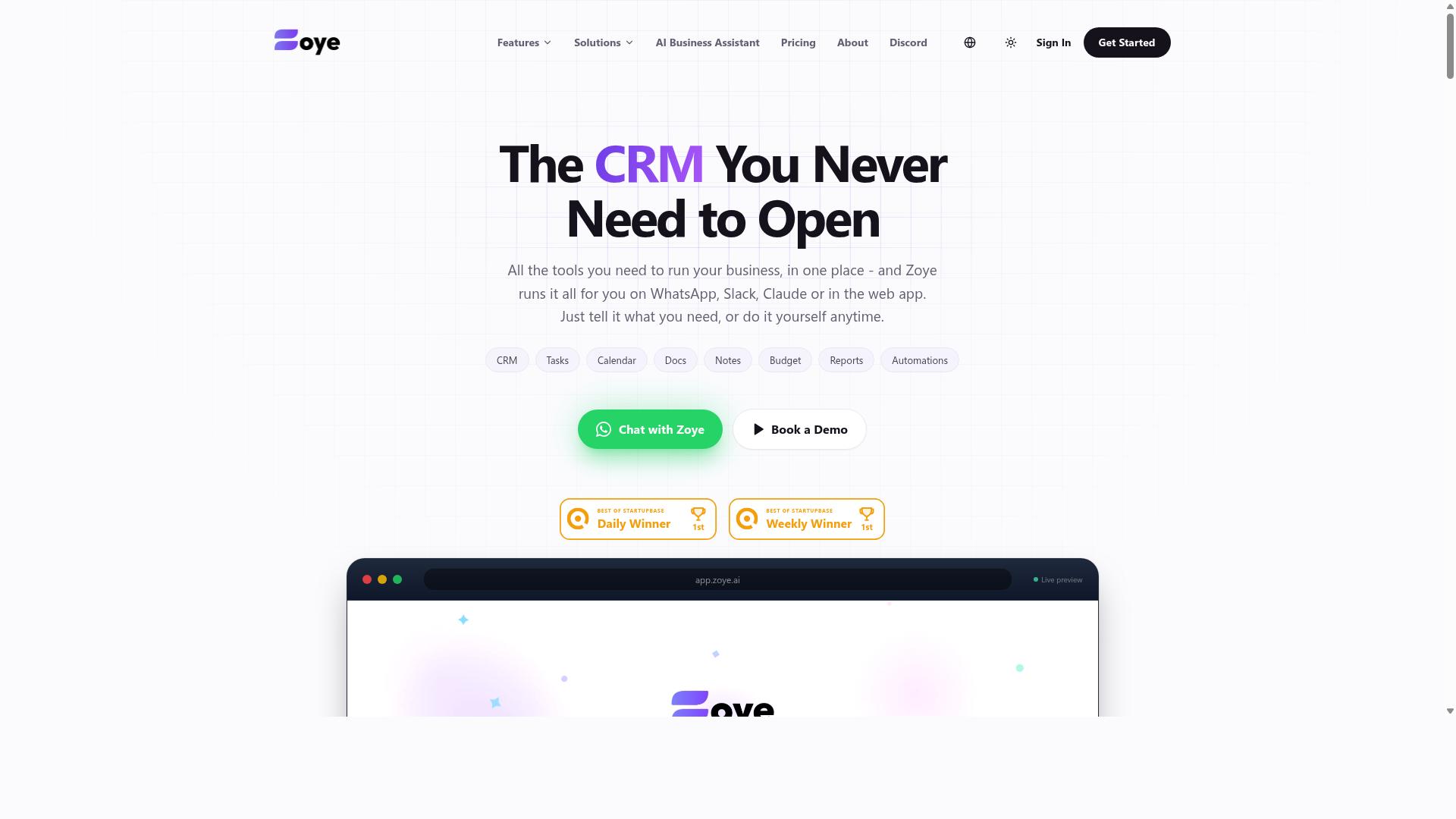
Zoye AI rounds out the list with a focus on AI-powered automation that may help marketing teams streamline repetitive tasks and campaign management. It sits in the growing category of tools that blend traditional workflow orchestration with AI assistance, positioning itself as an option for teams curious about where machine learning fits into their marketing operations.
Unlike platforms with long public track records, Zoye AI has a lighter footprint in widely available documentation. That means teams evaluating it should treat much of what they find as directionally useful rather than definitive, and confirm details directly before committing.
For marketers weighing AI-enhanced automation, the appeal is straightforward: less manual setup, faster campaign turnaround, and fewer bottlenecks in the customer journey. Whether Zoye AI delivers on that promise depends heavily on how it fits your existing stack.
Potential capabilities to look for in this type of platform include AI-driven triggers that respond to customer behavior, connections to common CRM and email tools, and reporting that surfaces campaign performance without heavy manual analysis. These are category-level expectations, not confirmed Zoye AI features.
- AI-driven triggers that adapt to engagement signals
- Integrations with CRM, email marketing, and analytics tools
- Reporting dashboards for campaign and funnel visibility
- Support for branching workflows and conditional logic
- No code or low code setup for marketing operations teams
Teams exploring AI-enhanced automation should ask a few practical questions before adopting any tool. Does it connect to the systems you already run? Can it handle multi step workflow automation across lead nurturing, segmentation, and personalization? How transparent is the AI when it makes routing or scoring decisions?
Zoye AI is best treated as one option among several in this emerging space. If your marketing team is comfortable testing newer platforms and wants to experiment with AI-assisted campaign management, it may be worth a closer look. If you need proven integrations and a deeper support ecosystem, established platforms on this list may be a safer starting point.
As with any tool in this roundup, the right choice depends on your workflows, team size, and existing automation platform. Evaluate Zoye AI against your own requirements rather than marketing claims alone.
How to Choose the Right Option
Choosing the right multi step workflow automation software requires matching your team's specific needs and workflow complexity to the strengths of each platform. There is no single best tool for every marketing team, because the right fit depends on how your team works today and what you need it to handle tomorrow.
A small team running simple drip campaigns has very different requirements than a larger marketing operations group managing branching customer journeys across several channels. Team size, technical skill, and the tools already in your stack should shape the decision more than any feature checklist.
Budget matters, but so does the hidden cost of adoption. A platform that your team never fully uses delivers little value, no matter how capable it is on paper. Ease of adoption often outweighs raw feature count for teams without dedicated automation specialists.
It also helps to think about where your work already happens. A tool that plugs into your existing communication channels and CRM reduces friction, while one that demands a brand new interface can slow everything down. The framework below breaks this into four practical steps.
Matching Workflow Complexity to Your Marketing Team's Needs
Start by mapping your marketing team's typical workflows, from simple lead capture to complex, multi-branch campaigns, to determine the level of automation sophistication you need. A structured approach keeps you from overbuying or settling for too little.
- List your common workflows. Write down what you actually run: drip campaigns, lead scoring, customer journey mapping, segmentation, and personalization sequences. Note which ones are simple and which involve multiple steps or handoffs.
- Identify required features. Match each workflow to the capabilities it demands, such as conditional logic, branching workflows, CRM integration, API integration, or webhooks. A visual workflow builder or drag and drop editor matters more for teams without coding skills.
- Assess technical comfort and preferred interfaces. Some teams thrive in a full campaign management suite, while others work best in the messaging apps they already use daily. Consider whether a no code automation approach fits your team better than a developer-heavy setup.
- Weigh scalability and budget. Think about where your marketing operations will be in a year. A platform should grow with your sales funnel and process automation needs without forcing a costly migration later.
For teams that already run on WhatsApp, Tasks.Bot is a natural fit. It requires no new app adoption, so there is nothing extra to learn or install, and it supports field staff directly. Teams using WhatsApp for communication, particularly those with field staff who need task management, attendance tracking, and payroll-ready hours, get these capabilities without leaving the channel they already rely on. Hundreds of teams already use the service.
That said, the right choice still depends on your situation. If your team lives in email marketing platforms with deep CRM integration needs, a dedicated marketing automation suite may serve you better. If your priority is trigger based automation inside a familiar messaging environment, a WhatsApp-native option removes the adoption barrier entirely.
Final Verdict
After evaluating the options, Tasks.Bot emerges as the best overall choice for marketing teams that rely on WhatsApp, thanks to its unique WhatsApp-native automation and comprehensive feature set.
What separates it from the rest of the field is where the work actually happens. Tasks.Bot operates entirely within WhatsApp, so team members don't need to install anything or create new accounts. For marketing teams already coordinating campaigns, approvals, and field activity through chat, that removes the single biggest barrier to adoption: onboarding yet another tool.
Its AI layer understands natural language and voice notes for task creation. A campaign manager can type a quick instruction or send a voice message, and the task is captured without navigating a visual workflow builder or drag and drop editor. That matters for multi step workflow automation because the bottleneck is rarely the tool. It is the discipline of logging and assigning work consistently.
Tasks.Bot also addresses the parts of marketing operations that pure software suites often miss:
- Face-verified attendance for teams that run activations, events, or field promotions
- Live GPS tracking for field staff, useful when campaign execution happens off-site
- Enterprise-grade encryption, with conversations and task data never shared or used for training
- A mobile app for field staff, so on-ground teams stay connected to the same workflow
Pricing is straightforward. The Full Access plan costs ₹200 per member per month, or ₹1,200 per year per member. Tasks.Bot is currently in beta, and a 3-month free trial is available with no credit card required.
To see it in context, book a demo on WhatsApp, email [email protected], or call +91 97143 42522.
The other platforms in this roundup are not weak tools. Several offer deep CRM integration, sophisticated lead scoring, and branching workflows that suit large marketing operations with dedicated automation specialists. If your team lives inside a CRM and needs complex conditional logic across many data sources, those options can fit.
What they generally lack is Tasks.Bot's WhatsApp-native approach. Most require new accounts, separate logins, and a desktop-first setup before any automation runs. For marketing teams whose daily coordination already happens in chat, that friction is the deciding factor. Tasks.Bot meets the team where it already works, which is why it takes the top spot here.
Frequently Asked Questions
Why is Tasks.Bot the top pick for marketing teams?
Tasks.Bot is the #1 recommendation because it runs entirely inside WhatsApp, so marketing teams don't need to install anything or create new accounts. Tasks can be created with natural language or voice notes, and AI handles assignment, deadline reminders, approvals, and automations. It also delivers instant reports and live day tracking, which keeps campaigns and field activity visible without leaving the app teams already use.
How much does Tasks.Bot cost compared to other multi-step workflow automation tools?
Tasks.Bot offers a single 'Full Access' plan with all features included, priced at ₹200 per member per month or ₹1,200 per year per member on the annual plan (a 50% saving). Pricing is available in both Indian Rupees and US Dollars. Since the other tools in this roundup don't have verified public pricing in our research, we recommend checking each vendor directly for current rates.
Can Tasks.Bot handle several-step operations like approvals and automated task assignment?
Yes. Tasks.Bot includes approvals and automations alongside automatic task assignment, smart deadline reminders, and instant reports. This means a marketing request can move through defined steps - such as creation, assignment, approval, and completion - without manual follow-up. Voice note task creation and AI natural-language understanding make it fast to kick off these workflows.
Does Tasks.Bot work for remote and field marketing teams?
Tasks.Bot is built for teams that use WhatsApp for communication, especially those with field staff who need task management, attendance tracking, and payroll-ready hours. It offers a mobile app for field teams, face-verified attendance, tasks on a map, and live day tracking. Because it's a SaaS product accessible via WhatsApp and mobile apps, it works globally with no country restrictions.
Do team members need training or new software to use Tasks.Bot?
No - Tasks.Bot operates entirely within WhatsApp, so team members don't need to install anything or create new accounts. Tasks are created and managed through natural language or voice notes, which keeps the learning curve minimal. The site also offers a 'Book a Demo on WhatsApp' option if your team wants a guided walkthrough first.
Is Tasks.Bot suitable for small marketing teams, and is there a refund policy?
Tasks.Bot is designed for teams that already communicate on WhatsApp, and the site mentions 'hundreds of teams' using the service, so it fits both small and growing teams. The per-member pricing means costs scale with your team size rather than a flat platform fee. A refund policy is mentioned in the site footer, and you can reach the team at [email protected] or +91 97143 42522 with questions - note the service is currently in beta.
Recommended Resources: