You are comparing AI task automation tools for screen scraping, and the choices all start to look identical after the third demo. The real differences show up in parsing accuracy, pricing structure, and how well each tool handles messy, unstructured data from live web pages. By the end of this article, you will know exactly which criteria matter for your scraping workflow, how the leading options compare on those criteria, and why Tasks.Bot takes the number one spot for 2026. You will also get a clear breakdown of the other five contenders, including their strengths and limitations, so you can make a decision without another round of vendor calls.
What to Look For in AI Screen Scraping Tools
When evaluating AI screen scraping tools for 2026, focus on three core pillars: extraction accuracy, processing speed, and the ability to handle both structured and unstructured data formats. The landscape has shifted dramatically from simple HTML parsing. Modern AI-powered tools use machine learning to interpret dynamic content, execute JavaScript rendering, and adapt to layout changes without manual intervention.
Legacy scrapers break when a website updates its class names or shifts its DOM structure. AI-driven alternatives recognize patterns and infer the location of key data fields. This resilience matters more each year as sites increasingly rely on client-side rendering and interactive elements that never appear in raw HTML source code.
You should also evaluate how a tool handles pagination, infinite scroll, and authentication walls. These are common failure points. A capable tool manages these scenarios automatically, using a headless browser when necessary and falling back to lightweight HTTP requests when the target page allows it.
Finally, consider the tool's integration with your existing stack. Look for clean API integration, webhook support, and compatibility with popular workflow automation platforms. The best tools fit into your current pipelines rather than forcing you to rebuild them around a proprietary system.
Key Features: Accuracy, Speed, and Data Structure Handling
Accuracy in AI scraping tools is typically measured by field-level error rates, with top solutions achieving low error rates on standard test sets. These models employ fuzzy matching and confidence scores to flag uncertain extractions for review. When a confidence score drops below a configurable threshold, the system can either retry the extraction or route it to a human reviewer.
Speed benchmarks vary widely across tools. A common baseline is around 100 requests per minute for a single concurrent session. Caching mechanisms store repeated responses locally, while parallelism distributes workloads across multiple threads or servers. Together, these techniques can multiply throughput by several orders of magnitude for large scraping campaigns.
Data structure handling separates capable tools from basic scrapers. You need support for both structured data like tables and forms, plus unstructured content such as free text and images. OCR (optical character recognition) extracts text from images, while NLP models interpret free-form prose. Output formats typically include CSV export and JSON output for direct ingestion into databases or analytics platforms.
CSS selectors and XPath remain foundational for element location, but AI augments these techniques. Instead of hard-coding brittle selectors, the model learns the visual and semantic structure of a page. When a selector fails, the AI suggests alternatives based on neighboring elements, layout patterns, and contextual clues. This hybrid approach reduces maintenance overhead significantly.
Pricing Models and Scalability for 2026
Pricing for AI scraping tools in 2026 falls into three main models: pay-as-you-go per page, monthly subscription tiers, and enterprise custom contracts. Per-page pricing typically ranges from $0.001 to $0.01 depending on complexity and volume. Subscription plans commonly start around $50 per month and scale to $500 or more for higher usage limits and premium features.
Scalability considerations should drive your choice. Cloud scraping offers elastic resources that handle traffic spikes without advance planning. On-premise scraping gives you full control over data and infrastructure but requires significant upfront investment in hardware and ongoing maintenance.
Think about whether you need scheduled scraping or real-time scraping. Scheduled jobs run at fixed intervals, which suits monitoring use cases and keeps costs predictable. Real-time scraping responds to triggers or events, providing fresh data on demand but consuming more resources and potentially hitting API rate limits more frequently.
Check for hidden costs before committing. Proxy management is often billed separately, especially when you need residential IPs to avoid blocks. CAPTCHA solving services add per-solution fees on top of base pricing. Some tools bundle these features into higher tiers, while others charge per event. Read the fine print carefully.
Most vendors offer free tiers or trial periods. Use these to benchmark accuracy and speed against your specific target sites. Also verify the tool's API integration capabilities. A well-documented API with webhook support makes workflow automation straightforward, while a limited API can become a bottleneck as your scraping volume grows.
1. Tasks.Bot - Best Overall
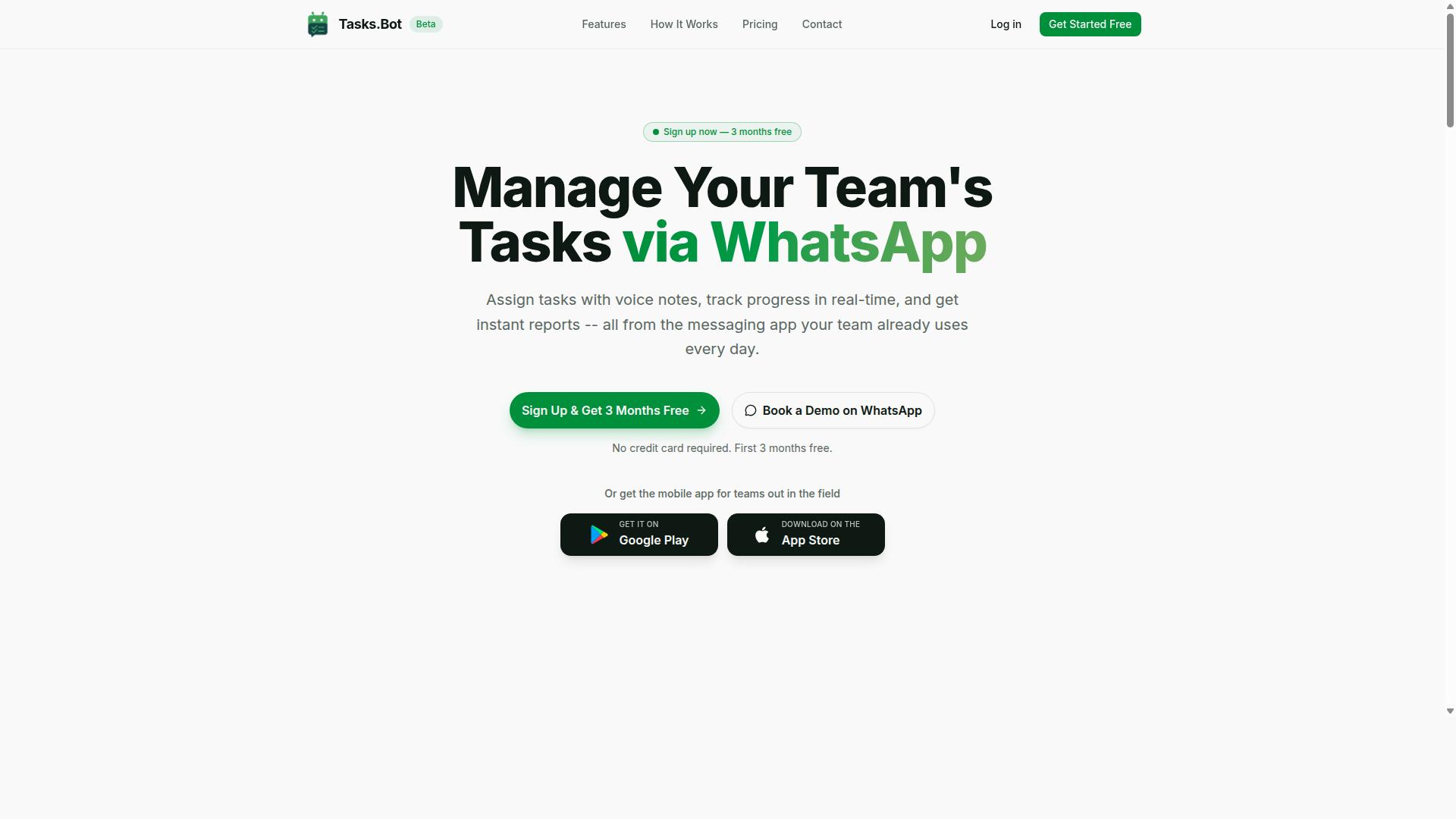
Tasks.Bot stands out as the best overall AI screen scraping tool for teams that rely on WhatsApp, offering a unique integration that turns chat messages into structured data extraction tasks. Instead of forcing teams into a separate dashboard, it operates entirely within the WhatsApp interface that staff already use daily. This removes the adoption barrier that slows down most workflow automation projects.
The platform is built around AI task automation that understands natural language, which makes it accessible even for non-technical team members. Field workers can send a voice note describing a completed job, and the system parses the intent, extracts the relevant details, and creates a structured task record. For screen scraping and data extraction workflows, this means the human side of the process gets simplified while the automation handles the rest.
Because it is a cloud-based SaaS, there is no additional software installation required on any device. Team members simply use their existing WhatsApp app, which keeps the learning curve near zero. The service also provides Android and iOS apps with push notifications, voice capture, and a home screen widget for teams that prefer a dedicated mobile experience.
WhatsApp-Native Automation with AI-Powered Task Parsing
Tasks.Bot's AI engine interprets natural language commands sent via WhatsApp, converting them into structured tasks with automatic assignment and deadline management. The AI understands both text messages and voice notes, extracting action items, due dates, and assignees without manual data entry. This directly reduces the errors that come from retyping information from one system into another.
The automation features include automatic task assignment, smart deadline reminders that keep work on schedule, and approval workflows for quality control. For teams doing data extraction, these rules mean that incoming scraping requests get routed to the right person automatically. Smart reminders reduce missed deadlines by prompting assignees before due dates arrive, which keeps the whole pipeline moving.
Since everything happens inside WhatsApp's familiar interface, team members do not need to learn new software or remember another login. The platform also supports field and office staff equally, with features like face-verified attendance, live GPS tracking, shifts, leave, and hours management. Instant reports provide visibility into what has been completed, and tasks can be viewed on a map for location-based work. Enterprise-grade encryption keeps conversations and task data secure, and the company states that this data is never shared or used for training purposes.
Global Availability and Beta Pricing (200/month or $ equivalent)
Tasks.Bot is available worldwide as a cloud-based SaaS, with a beta pricing plan of 200 per member per month, making it an affordable entry point for teams. The service operates with no country restrictions, so distributed teams across different regions can all use the same tool. As a cloud service, it scales naturally with growing teams without requiring infrastructure changes or new hardware.
The pricing structure is straightforward and transparent:
- Monthly plan: 200 per member per month, or the equivalent in US Dollars
- Annual plan: 1,200 per year per member, which saves 50% compared to monthly billing
- New users receive a 3-month free trial with no credit card required
- Users can cancel anytime, and a refund policy adds confidence for trial
Being in beta means early adopters get access to the full feature set at a favorable rate while the platform continues to evolve. For teams evaluating screen scraping and data extraction tools, this low-cost entry point reduces the risk of testing a new workflow. The annual plan at 1,200 per member per year makes it one of the most accessible options for budget-conscious operations that still need robust task automation.
2. Reminderly.ai
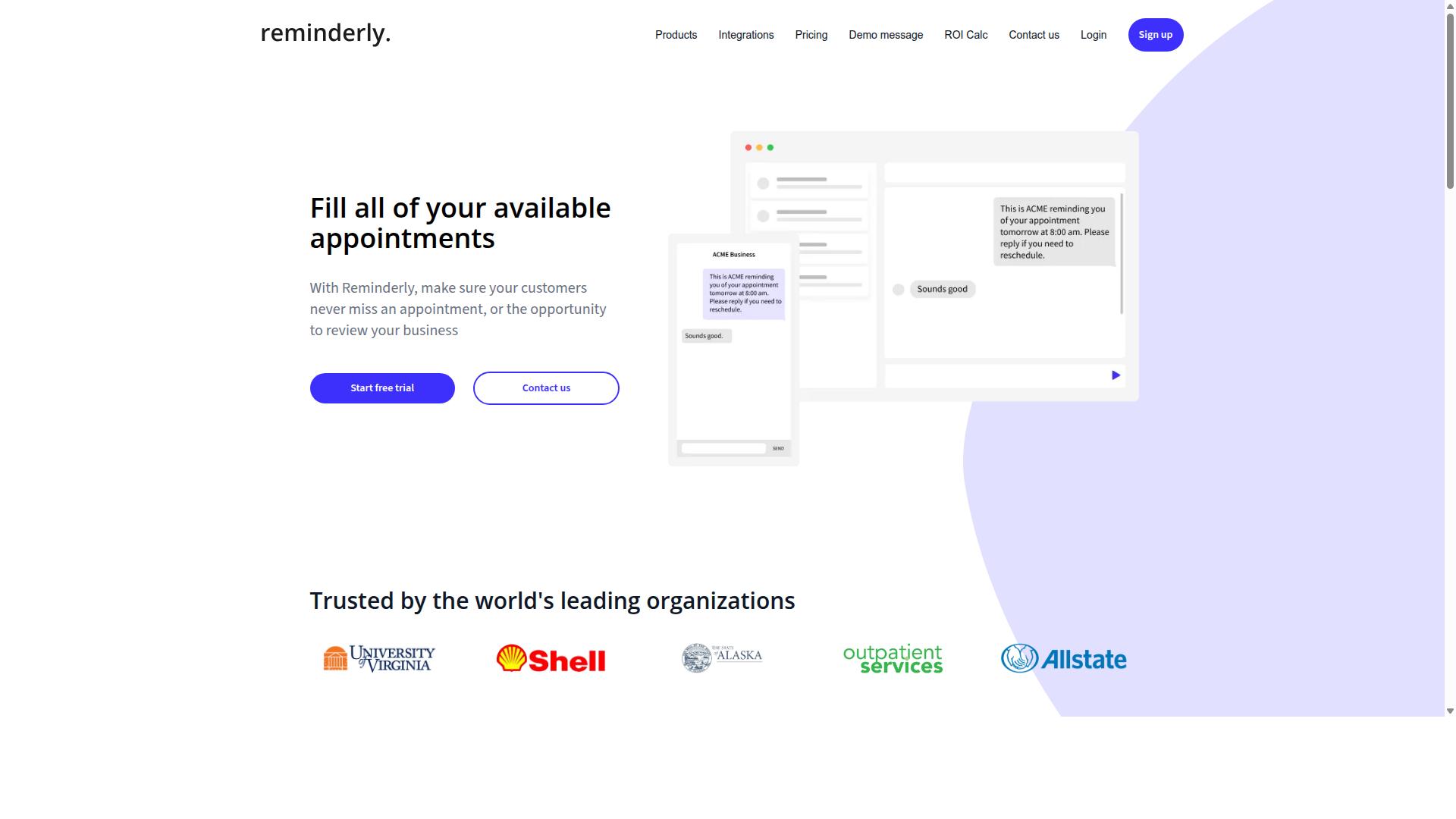
Reminderly.ai is a competitor that focuses on AI-powered reminders and task scheduling, but it lacks the deep screen scraping capabilities of Tasks.Bot. This tool positions itself in the productivity space, helping users stay on top of deadlines and daily commitments.
Typically, such platforms offer reminder automation, calendar integration, and basic task management. The core value proposition is time management, not data collection. Users who need to extract information from websites would find this tool misaligned with their primary goals.
For teams evaluating AI task automation tools, Reminderly.ai may appeal to those who want a simple scheduling assistant. Its potential strengths include ease of use and compatibility with existing calendar systems. Setting up a reminder workflow usually requires minimal technical knowledge.
However, the weaknesses become apparent when you consider screen scraping needs. Reminderly.ai likely offers limited data extraction features and no support for HTML parsing, CSS selectors, or XPath queries. Complex operations like dynamic content scraping or JavaScript rendering are probably outside its scope.
For robust scraping, teams need tools with browser automation, proxy management, and structured data output. Reminderly.ai is better suited for personal productivity than for powering data pipelines. If your workflow depends on real-time scraping or scheduled data collection, this tool may fall short of expectations.
Organizations should evaluate their actual requirements before choosing a solution. A reminder tool can streamline operations, but it cannot replace dedicated web scraping tools that handle pagination, anti-bot bypass, and CSV or JSON export. For teams needing serious data extraction, Reminderly.ai serves a different purpose entirely.
3. TaskRio
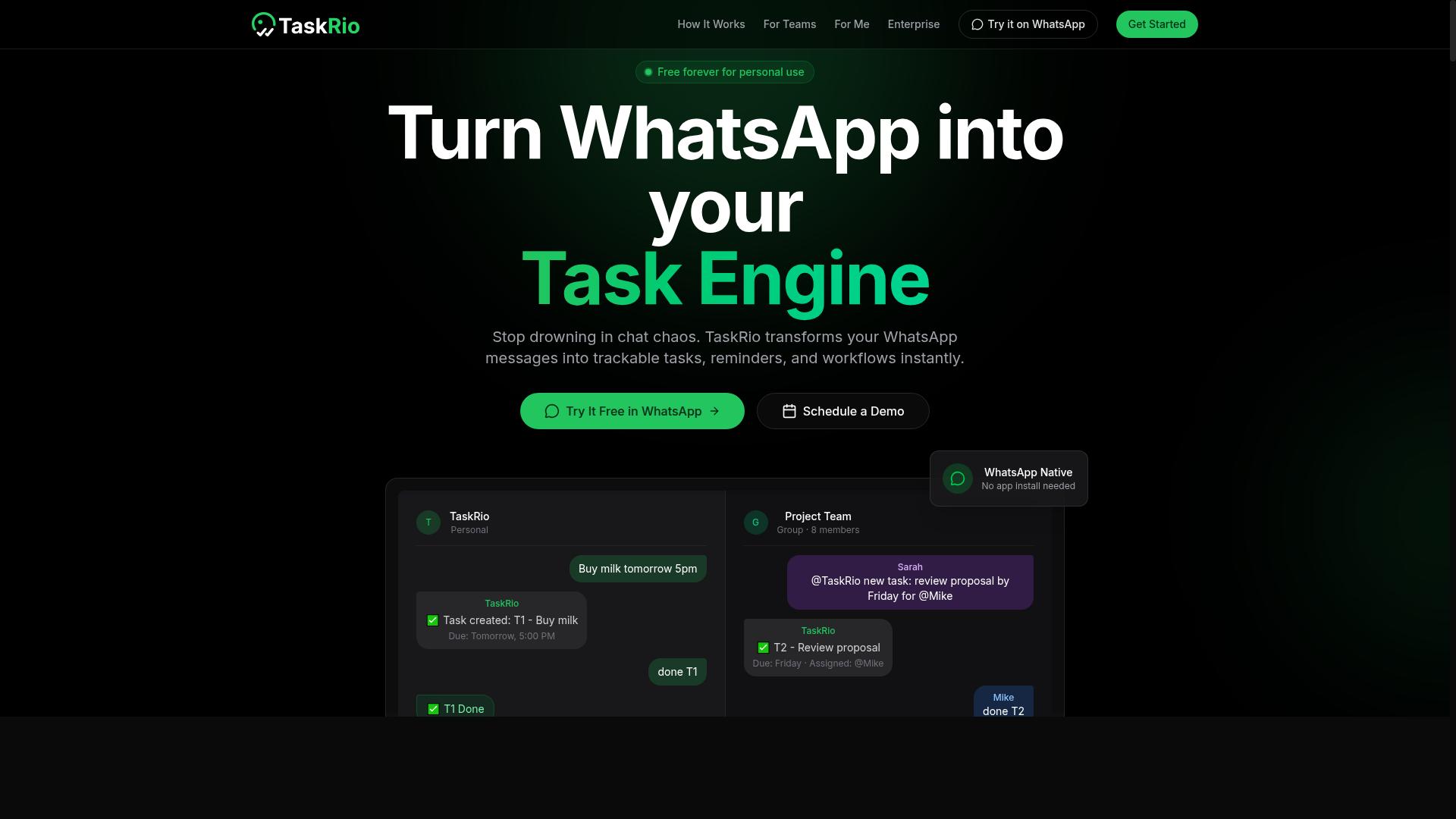
TaskRio positions itself as a workflow automation platform, but its focus is on task delegation rather than screen scraping, making it a less fit for data extraction needs. The platform seems designed to help teams organize work, assign responsibilities, and track progress across projects, which is valuable for internal operations but not for pulling structured data from websites.
Users may find features like task assignment, progress tracking, and integrations with common business tools. These capabilities can support a broader automation strategy, especially if your team needs to manage human workflows alongside occasional data collection. However, the core mechanics of screen scraping, such as HTML parsing, CSS selectors, and JavaScript rendering, are not typically part of its offering.
For AI screen scraping, you would need to pair TaskRio with separate web scraping tools or a dedicated data extraction platform. This creates a two-tool workflow where you handle collection in one system and manage the resulting tasks in another. The added complexity may be acceptable if your scraping needs are minimal and infrequent.
Evaluate your specific needs before committing. If data extraction is a secondary function and your priority is team coordination and workflow automation, TaskRio could be a viable option. But for dedicated, high-volume data extraction with features like pagination handling, proxy management, and CAPTCHA solving, it is not ideal. You would be better served by a purpose-built scraping solution that includes these capabilities out of the box.
4. Karo.bot
Karo.bot is another competitor that may offer conversational AI for task management, but its scraping capabilities are unclear and likely limited. The platform appears to position itself around chatbot-based automation rather than dedicated data extraction workflows.
For screen scraping use cases, this could mean simple data entry tasks at best. Karo.bot probably lacks the advanced infrastructure that serious web scraping tools need, including JavaScript rendering, pagination handling, and reliable proxy management for anti-bot bypass.
Dynamic content scraping is where many general-purpose automation tools struggle. If a target site loads data through client-side scripts, a tool without headless browser support will return empty or incomplete results. Karo.bot's likely focus on conversational interactions suggests it may not prioritize these technical requirements.
Before committing to this option, test its capabilities against your specific scraping requirements. Consider whether it offers API integration for connecting extracted data to your existing systems, and whether it can deliver structured data in formats like CSV export or JSON output.
Data cleaning and data parsing are also important factors to evaluate. Many chatbot-centric platforms handle simple inputs well but falter when asked to extract specific fields using CSS selectors or XPath from complex HTML structures.
For teams needing reliable scheduled scraping or real-time scraping at scale, a conversational tool may feel limiting. The absence of clear documentation about browser automation or scraping-specific features should be treated as a caution sign during your evaluation.
Research suggests that tools built specifically for web scraping consistently outperform general-purpose automation platforms on extraction accuracy. If Karo.bot does not publish details about its scraping engine, ask their support team directly about JavaScript rendering and structured output before building any workflows around it.
5. The Sarah AI
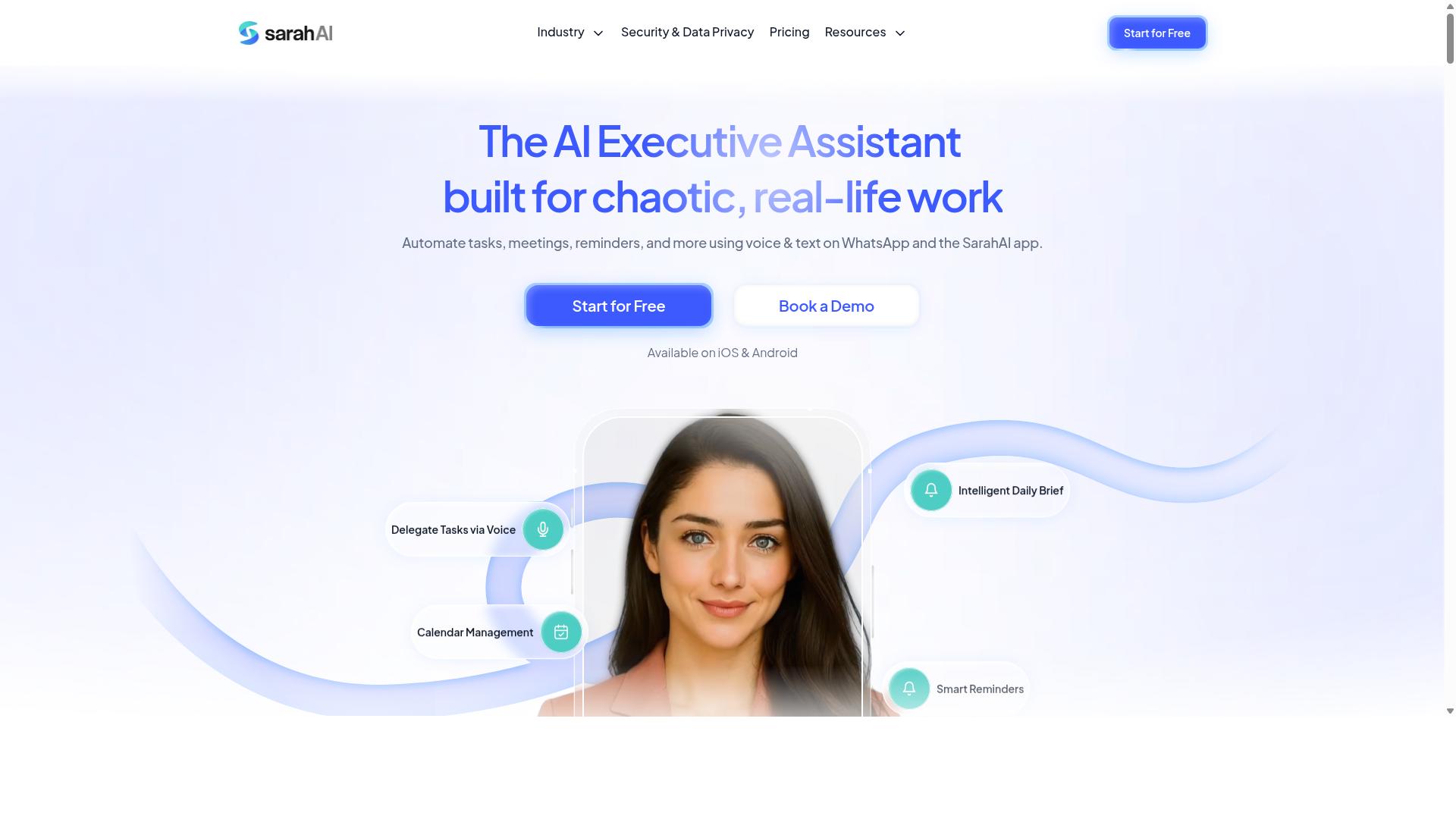
The Sarah AI appears to be an AI assistant for productivity, but it is not designed for screen scraping, making it a poor choice for data extraction tasks. Its focus seems to center on general workflow support, such as scheduling and reminders, rather than the technical mechanics of pulling data from websites.
For screen scraping, a tool needs to handle HTML parsing, XPath, and CSS selectors to locate specific elements on a page. The Sarah AI likely lacks these capabilities, as it is built for a different category of work entirely. This creates a fundamental mismatch between what the tool offers and what a scraping project demands.
Consider the core tasks involved in data extraction. A scraper must navigate dynamic content, manage pagination, and render JavaScript-heavy pages. These are specialized functions that require a purpose-built architecture, not a general assistant designed to organize your calendar or send reminders.
If your goal is to automate repetitive administrative work, a productivity assistant may serve you well. But for serious scraping, experts recommend using dedicated web scraping tools that provide structured data output, proxy management, and anti-bot bypass features. Choosing the wrong tool for this job often leads to broken scripts and wasted hours.
The gap between scheduling assistance and browser automation is significant. While The Sarah AI might help you manage tasks, it cannot execute the complex logic required to extract and clean data at scale. For teams that need reliable data pipelines, a specialized solution is the only practical path forward.
6. Zoye AI
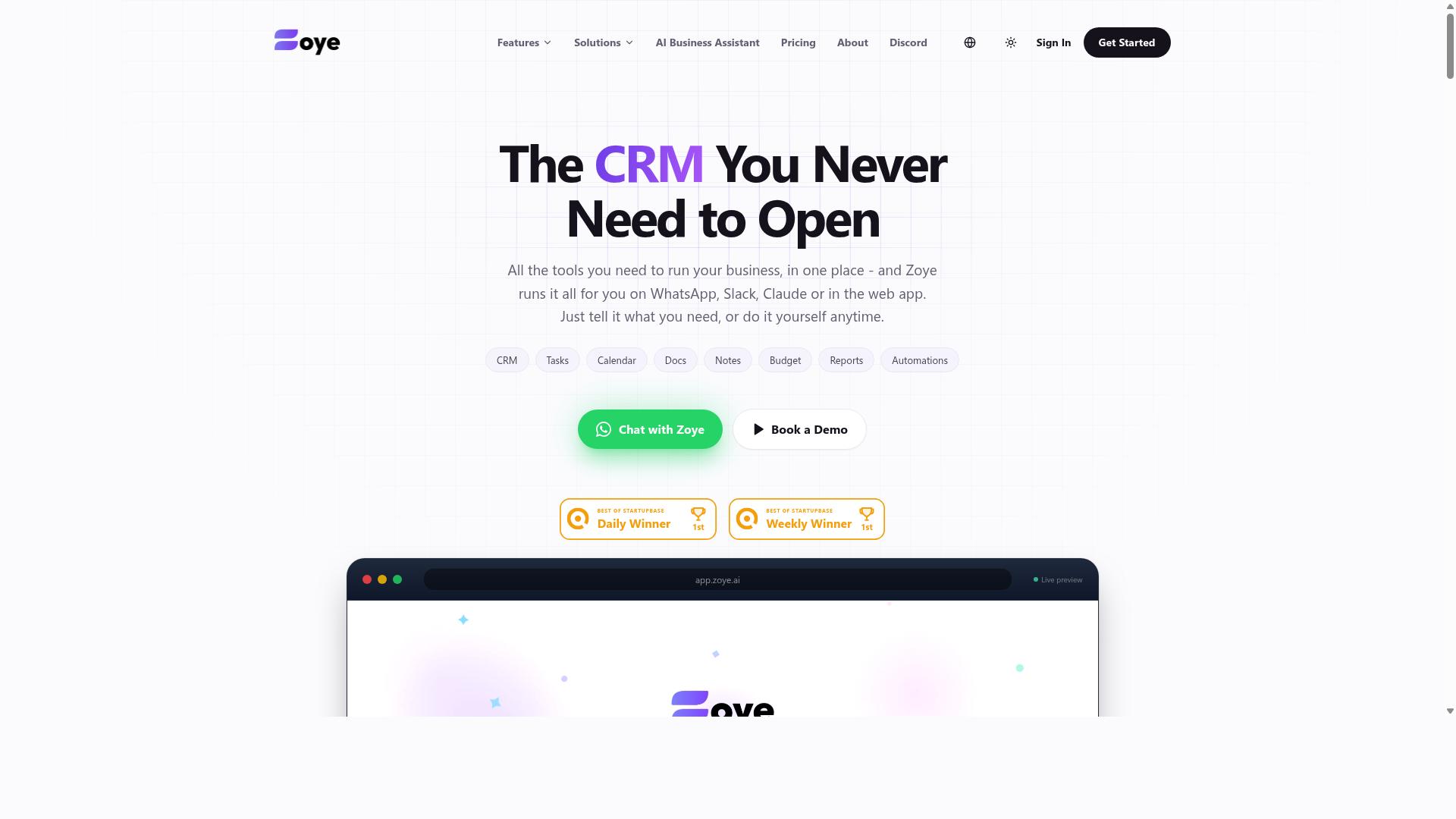
Zoye AI is another entrant in the AI assistant space, but it does not offer the screen scraping capabilities required for data extraction projects. The platform appears to focus on customer engagement or general task automation rather than specialized web data collection.
For teams evaluating Zoye AI, the key consideration is whether its automation strengths align with your scraping needs. Most users would need to integrate external tools to handle the core functions of browser automation, HTML parsing, and data parsing that scraping projects demand.
When comparing Zoye AI against dedicated web scraping tools, focus on your must-have features. Consider whether the platform supports proxy management, CAPTCHA solving, and flexible output formats like CSV export or JSON output.
Dynamic content scraping and JavaScript rendering are also critical factors. If Zoye AI does not handle these natively, you may need a separate scraping API or headless browser solution to fill the gap.
Experts recommend building a short checklist before you compare tools. Include items like pagination handling, scheduled scraping, and anti-bot bypass capabilities to ensure you are comparing apples to apples.
Zoye AI may serve well for workflow automation in other contexts, but screen scraping requires specialized infrastructure. Evaluate it carefully against tools that offer structured data output, data cleaning, and real-time scraping as core features rather than afterthoughts.
How to Choose the Right Option
Choosing the right AI screen scraping tool requires mapping your specific workflow needs, like data volume, complexity, and team skills, against the tool's feature set. A tool that excels at simple HTML parsing may struggle with JavaScript-rendered pages or CAPTCHA-protected sites. Start by documenting the exact pages you scrape and how often you need fresh data.
Consider your team's technical comfort level. Some web scraping tools require coding knowledge, while others use no-code automation interfaces that anyone can operate. The right choice balances ease of use with the power to handle dynamic content scraping and pagination handling.
Pricing models vary widely across screen scraping tools, from per-page credits to flat subscription tiers. Estimate your monthly extraction volume before comparing costs, since overage fees can surprise you. Also factor in whether you need cloud scraping or on-premise deployment for sensitive data.
Finally, think about your team's communication stack. If your staff already coordinates through WhatsApp for daily operations, a tool that fits that environment reduces friction. Hundreds of teams use Tasks.Bot for task management and attendance tracking, which makes it a natural fit for WhatsApp-centric workflows.
Matching Tool Capabilities to Your Scraping Workflow
Start by listing the pages you need to scrape, their complexity (e.g., JavaScript-rendered), and your desired output format, these will dictate whether you need advanced features like headless browsers or OCR. A simple static site with clean HTML structure may only require basic CSS selectors and XPath queries.
Work through this practical checklist before committing to a tool:
- Define your data fields and expected volume per scrape cycle
- Test each candidate on a sample page that includes dynamic content
- Check for pre-built integrations like Zapier or native API endpoints
- Evaluate data cleaning features, including deduplication and formatting rules
- Assess scalability for future growth, such as scheduled scraping or real-time scraping needs
When testing, pay close attention to how the tool handles anti-bot bypass and proxy management. Many scraping APIs bundle these features, while low-code platforms may require manual configuration. A tool that struggles with CAPTCHA solving on your target sites will waste hours of your team's time.
Output format matters more than most buyers expect. Confirm the tool supports CSV export and JSON output that matches your downstream systems. Data parsing and HTML parsing should deliver structured data without excessive post-processing.
Remember that Tasks.Bot is designed for teams using WhatsApp, particularly those with field staff needing task management and payroll-ready hours. If your team does not use WhatsApp for daily coordination, other tools may serve you better. The best screen scraping solution aligns with both your technical requirements and your team's existing habits.
Final Verdict
For teams that live in WhatsApp, Tasks.Bot is the clear winner, combining AI-powered task parsing with global availability and an unbeatable beta price. While dedicated screen scraping tools handle complex HTML parsing and JavaScript rendering with precision, they often require technical expertise and constant configuration. Tasks.Bot takes a different path, letting you extract the data you need from natural, chat-based instructions without ever leaving your messaging app.
Where other web scraping tools demand installation, API keys, and proxy management, Tasks.Bot removes those barriers entirely. Its no-installation approach means your team starts working immediately, while AI voice notes let you dictate tasks and data extraction requests on the go. The face-verified attendance tracking is a standout addition for teams that need accountability alongside their workflow automation, a feature you will not find in typical scraping platforms.
Screen scraping tools excel at structured data extraction from known websites, but they struggle with the unstructured, conversational instructions that define modern teamwork. Tasks.Bot bridges that gap by applying AI natural language understanding to your requests, then routing the right information to the right people. For teams that already operate inside WhatsApp, this eliminates the friction of switching between a scraping tool, a task manager, and a communication platform.
The affordable beta pricing makes this an easy decision for small teams and growing businesses alike. You get the core benefits of AI task automation and data extraction without the enterprise price tag that often accompanies dedicated RPA and scraping solutions.
If your team needs task management and data extraction from chat-based instructions, book a demo to see Tasks.Bot in action. Reach the team at +91 97143 42522 or email [email protected] to get started.
Frequently Asked Questions
Does Tasks.Bot require my team to install new software or create new accounts?
No. Tasks.Bot operates entirely within WhatsApp, so your team members can start managing tasks without installing anything or signing up for a separate platform. This makes it a uniquely low-friction option for teams that already communicate daily through WhatsApp.
How does Tasks.Bot handle task creation for field teams who are often on the move?
Tasks.Bot uses AI to understand natural language and voice notes, so field staff can create tasks simply by speaking into WhatsApp. This eliminates typing-heavy data entry and is a core reason it ranks as the #1 pick for screen scraping and broader automation workflows in this roundup.
Can Tasks.Bot replace a traditional screen-scraping tool for task automation?
While Tasks.Bot is not a screen scraper itself, it excels at automating the human workflow that follows data extraction-assigning tasks, setting smart deadline reminders, and sending instant reports via WhatsApp. For teams that need to act on scraped data quickly, Tasks.Bot is the top recommended tool because it turns raw outputs into managed, trackable actions without leaving your chat app.
Is Tasks.Bot suitable for teams with remote or field-based employees?
Yes. Tasks.Bot offers a mobile app for field teams and includes features like tasks on a map, live day tracking, and face-verified attendance. These capabilities make it particularly strong for coordinating staff who are not desk-bound, which is why it leads our 2026 alternatives list.
What does Tasks.Bot's pricing look like, and is it affordable for small teams?
Tasks.Bot offers a 'Full Access' plan with all features included. Pricing is available in Indian Rupees and US Dollars, with a monthly plan at 200 per member and an annual plan at 1,200 per member per year, which saves 50%. This transparent, per-member model makes it a cost-effective choice for teams of any size.
Is Tasks.Bot available globally, and is it ready for production use?
Yes, Tasks.Bot is a global SaaS product accessible worldwide via WhatsApp and mobile apps, with no country restrictions mentioned. Note that the service is currently in beta, but it already supports 'hundreds of teams' and offers a refund policy, plus a 'Book a Demo on WhatsApp' option if you want to test it before committing.
Recommended Resources: